
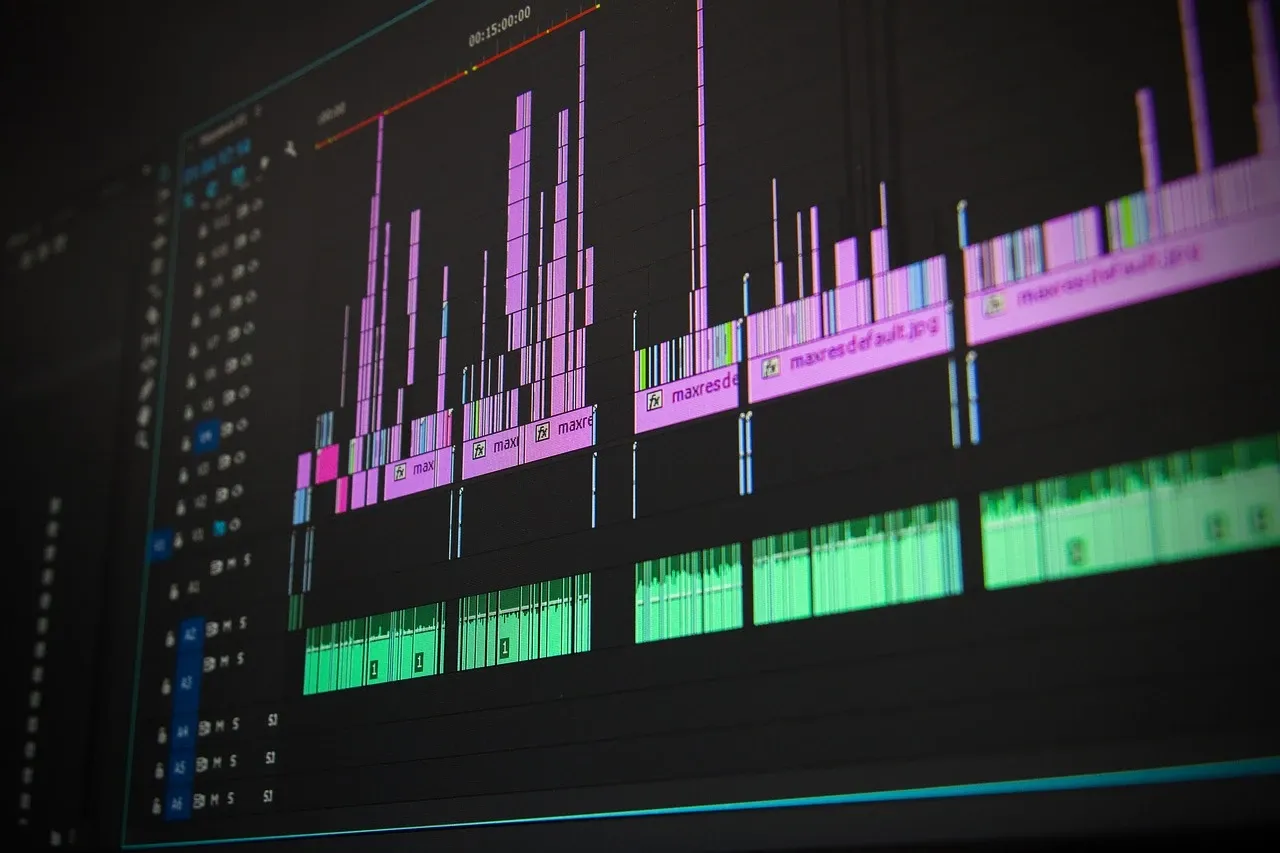

Video editing has become more accessible than ever, thanks to a range of intuitive tools that allow both beginners and professionals to create stunning content. Whether you’re crafting a vlog, a tutorial, or a social media clip, these easy-to-use video editing tools can help you achieve professional-quality results without the steep learning curve. Here’s a look at some of the best options available today to elevate your video editing skills.
Choose the Right Video Editing Software
The first step in creating stunning videos is selecting the right video editing software. For beginners, tools like iMovie (for macOS and iOS) and Windows Movie Maker provide simple drag-and-drop features, making it easy to cut clips, add transitions, and incorporate text. These tools are perfect for quick projects and offer basic features that are still powerful enough for creating polished videos.
For those looking for more advanced options, Adobe Premiere Pro and Final Cut Pro offer a wider array of tools, including advanced color correction, multi-layer editing, and special effects. However, these programs do have a steeper learning curve. If you’re looking for something that strikes a balance between ease and functionality, DaVinci Resolve is a great choice—it combines a user-friendly interface with professional-grade features like color grading.
Use Templates for Quick Editing
If you want to save time and get a head start, many video editing tools offer pre-designed templates that simplify the editing process. Templates provide ready-made sequences and layouts, which you can easily customize by dragging in your clips, images, and music. This can be especially helpful for creating intros, outros, and promotional videos.
Popular apps like Canva and InShot offer templates for social media, advertisements, and vlogs, while platforms like Animoto allow you to generate professional-looking slideshows and marketing videos in minutes. These tools are perfect for users who need to create polished content quickly without compromising on quality.
Enhance Your Videos with Effects and Transitions
No video is complete without the right effects and transitions. These elements can dramatically improve the flow and visual appeal of your content. Most video editing tools come with a variety of pre-made transitions like fades, wipes, and slides. You can also add creative effects such as slow motion, time-lapse, and color grading to enhance the look and feel of your video.
For example, Adobe Premiere Pro allows you to add sophisticated effects like motion graphics and visual enhancements, while Filmora offers easy drag-and-drop effects that even beginners can use to add flair to their videos. Tools like Veed.io offer simple transitions and filters that can make your content stand out on platforms like TikTok and Instagram.
Optimize Your Audio for a Professional Sound
Great video is not just about visuals—audio plays a crucial role in making your content sound professional. Many editing tools come with built-in audio editing features, such as background music, sound effects, and voiceovers. You can adjust audio levels, fade in or out, and even remove unwanted noise.
For those who want to add music or sound effects to their videos, platforms like Epidemic Sound and Artlist offer royalty-free tracks that can be used in commercial and personal projects. Adobe Audition also provides advanced audio editing tools, allowing you to fine-tune every sound element in your video.
Final Touches: Exporting and Sharing
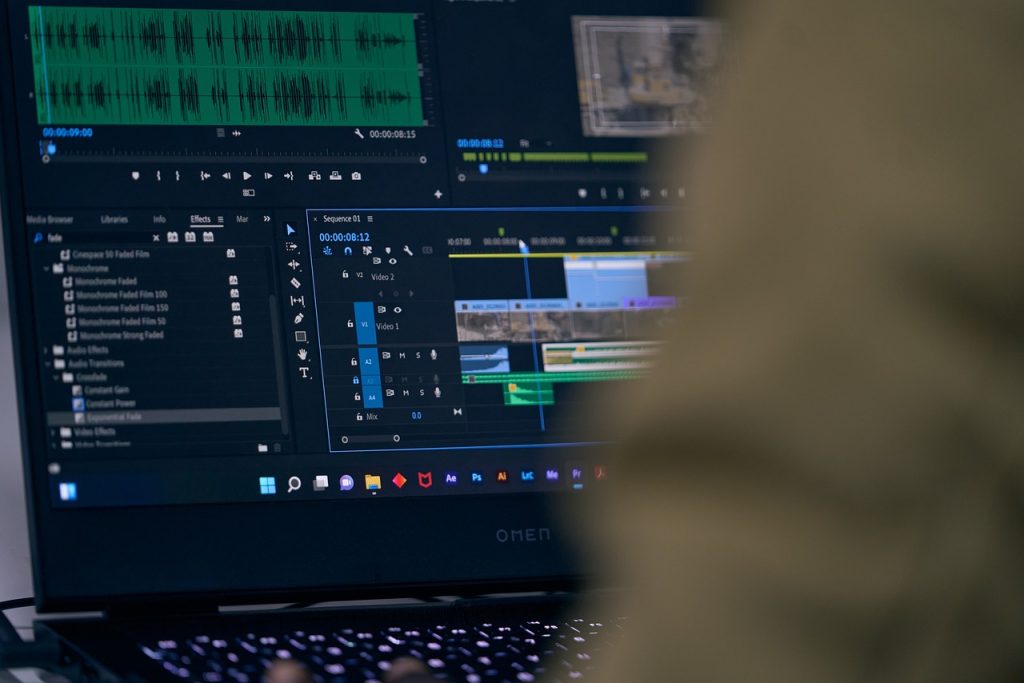
Once your video is edited, it’s time to export it in the right format. Most video editing tools allow you to export in various formats, ensuring your video is ready for uploading to YouTube, Instagram, or other platforms. When exporting, consider factors like resolution (1080p vs. 4K) and file size—especially if you’re uploading to social media, where file size limits may apply.
For quick sharing, tools like WeVideo or Clipchamp allow you to export directly to platforms like YouTube, Google Drive, or Dropbox. These options make it easy to upload your finished product without the need for additional steps.
With the wide variety of video editing tools available today, creating stunning videos has never been easier. Whether you are a beginner or an experienced creator, there’s a tool for every need—whether it’s simple editing, advanced color correction, or creating professional-grade sound design. By leveraging templates, adding creative effects, and fine-tuning your audio and visuals, you can produce high-quality videos that engage and impress your audience. With the right tools and a bit of practice, you’ll be able to master the art of video editing in no time.

Leave a Reply