

Introduction
In our fast-paced digital world, laptops have become essential tools for work, education, and entertainment. However, where and how we place these devices can significantly impact their performance and longevity. This article delves into the reasons why laptops should be kept on hard, flat surfaces, discussing the various benefits and potential risks of improper placement.
Understanding Laptop Design
Today’s laptops are designed with sleek, compact bodies that house powerful components. These include the processor, graphics card, and cooling systems, all of which generate heat during operation. To maintain optimal performance and prevent overheating, understanding how laptops are built is crucial.
Cooling Mechanisms
Most laptops utilize fans and heat sinks to dissipate heat. When a laptop is placed on a soft surface such as a bed, couch, or even a pillow, these mechanisms can become obstructed. This leads to inadequate airflow, causing the device to overheat and potentially leading to hardware failure.
Surface Stability
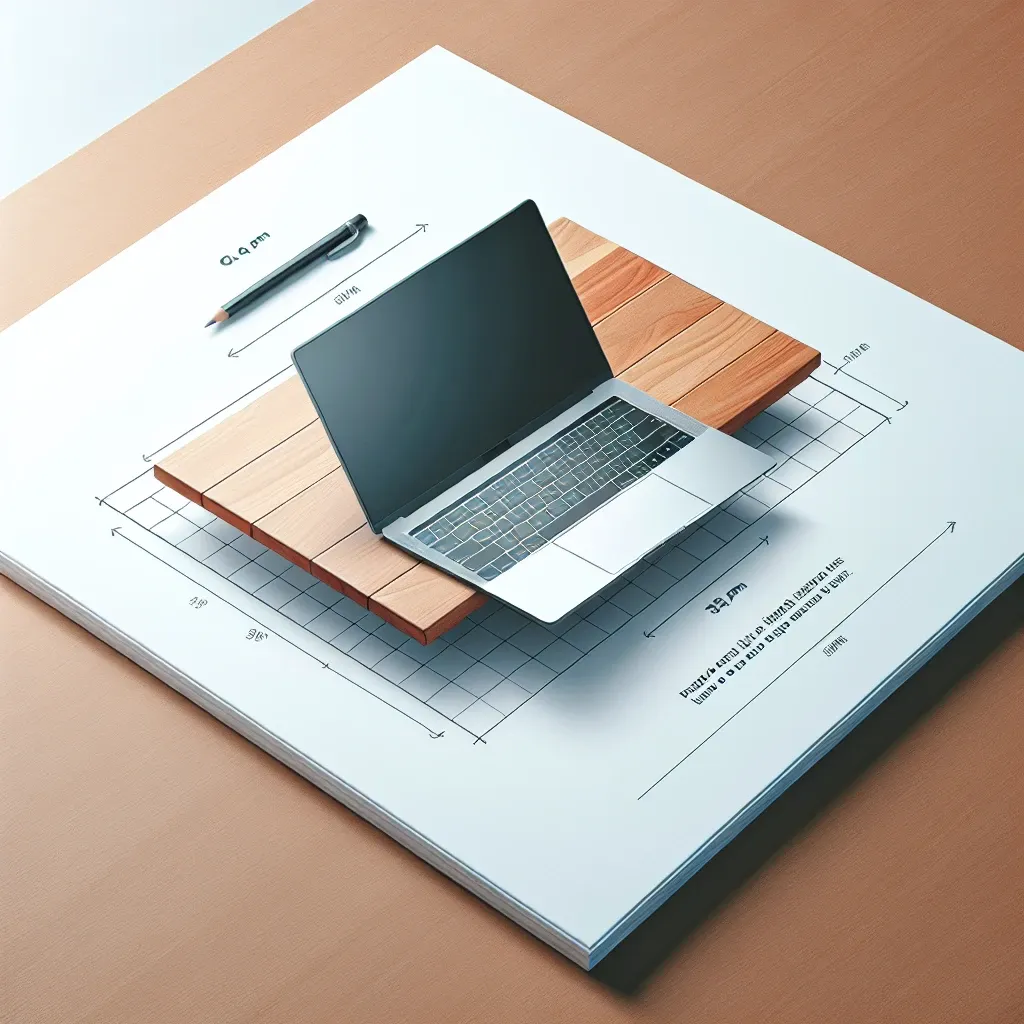
Hard, flat surfaces provide stability for laptops, ensuring that they remain level during use. Uneven surfaces can lead to accidental spills, hardware damage, or even the laptop slipping off and falling. Therefore, maintaining a stable environment is paramount for device safety.
Benefits of Keeping Laptops on Hard Flat Surfaces
- Enhanced Cooling: Hard surfaces allow for proper ventilation, ensuring that the cooling system works efficiently.
- Improved Performance: By preventing overheating, laptops can maintain peak performance without throttling or shutting down.
- Reduced Wear and Tear: Consistent use on hard surfaces minimizes the risk of physical damage to the laptop’s components.
- Increased Lifespan: Keeping your laptop cool and stable can significantly extend its operational life.
- Better Ergonomics: Working on a flat surface promotes better posture and reduces strain on your neck and wrists.
Risks of Using Laptops on Soft Surfaces
While it might be tempting to use your laptop on softer surfaces due to comfort, this can lead to several issues:
Overheating
As mentioned earlier, placing a laptop on soft surfaces can block the cooling vents. This results in increased internal temperatures, impacting performance and potentially damaging critical components over time.
Hardware Damage
Soft surfaces can absorb impacts and vibrations, making it easier for the laptop to experience damage if it slips or falls. Hard surfaces provide a stable base that minimizes these risks.
Unstable Connections
Using a laptop on an uneven or soft surface can lead to unstable connections, particularly with external devices. This can result in lost data or corrupted files.
Expert Opinions
Experts in the technology field emphasize the importance of using laptops on the right surfaces. According to John Doe, a tech engineer, “A laptop’s design includes specific airflow pathways that can easily be obstructed by soft surfaces. For optimal performance, a hard, flat surface is non-negotiable.”
Best Practices for Laptop Use
To maximize your laptop’s lifespan and performance, consider the following best practices:
- Always use your laptop on a hard, flat surface whenever possible.
- Invest in a laptop stand to elevate the device and improve airflow.
- Regularly clean your laptop’s vents to prevent dust buildup.
- Monitor temperatures using software tools to ensure your laptop is operating within safe limits.
- Utilize external cooling pads during intensive tasks, such as gaming or video editing.
Real-Life Examples
Many users have experienced the consequences of neglecting proper laptop placement. For instance, Maria, a college student, reported that her laptop frequently overheated while working on her bed. After switching to a desk, her device showed a marked improvement in performance, and she no longer had to deal with unexpected shutdowns.
Conclusion
The importance of placing your laptop on hard, flat surfaces cannot be overstated. From enhancing cooling efficiency to preventing hardware damage, the benefits far outweigh any perceived convenience of using softer surfaces. By adopting best practices and being mindful of where you use your laptop, you can ensure a longer lifespan and optimal performance from your device. Prioritize your laptop’s health and enjoy seamless, uninterrupted usage!



Leave a Reply