
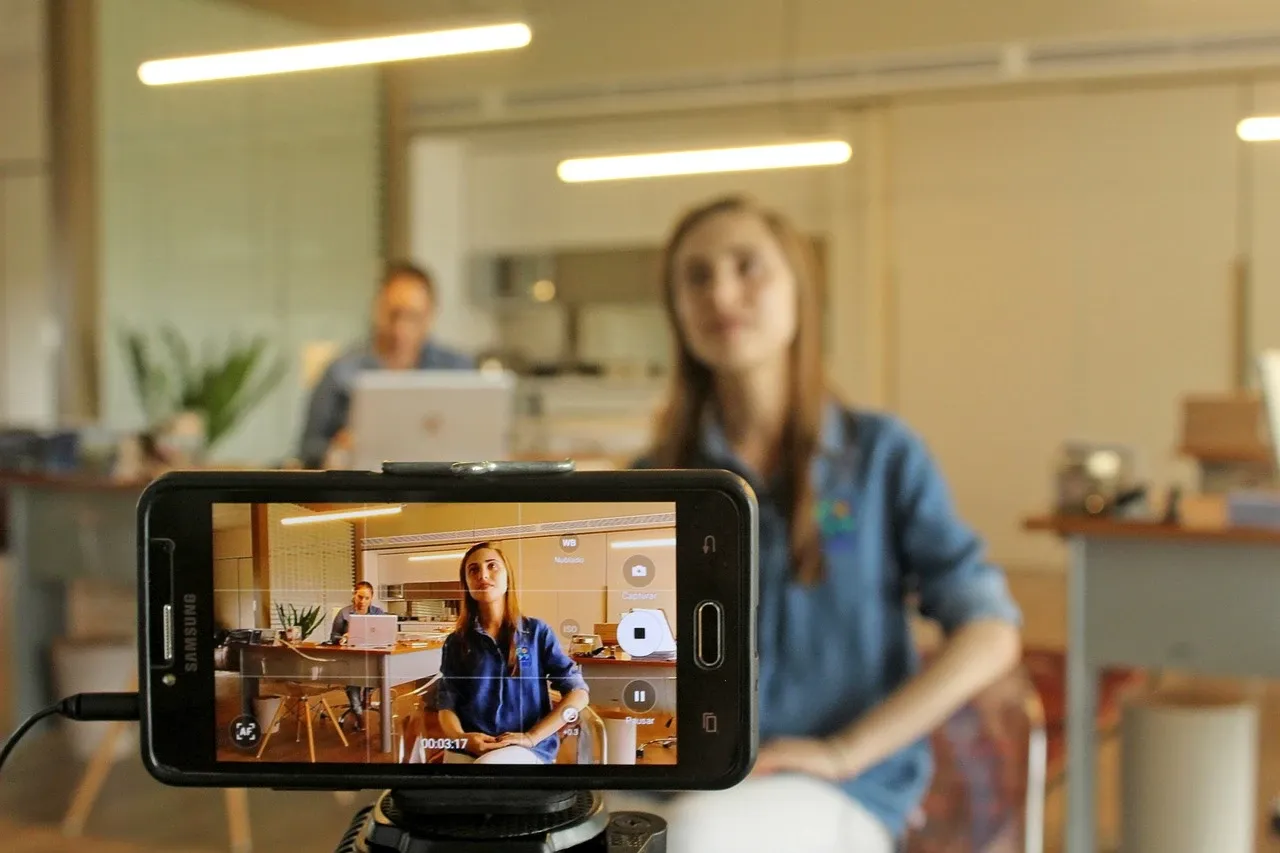

Video editing has evolved significantly in recent years, with a range of tools and techniques available to both professionals and beginners. Mastering video editing is not only about learning how to use software, but also about developing the creative skills necessary to tell compelling visual stories. Whether you’re editing content for YouTube, social media, or personal projects, there are key techniques and tips to help elevate your editing skills.
Start with the Right Video Editing Software
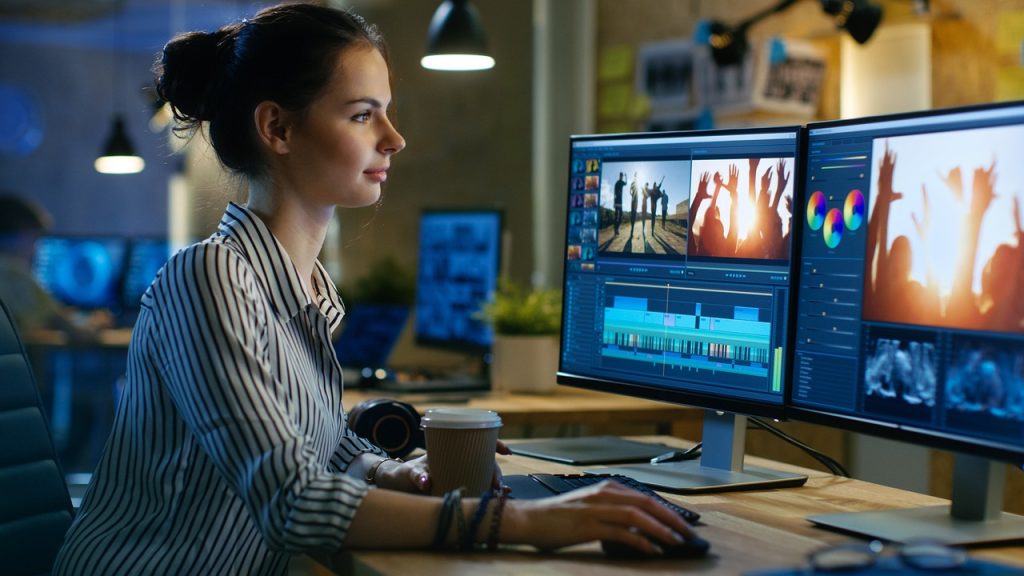
The foundation of any great video edit begins with choosing the right software. For beginners, tools like iMovie and Shotcut offer intuitive interfaces and basic features like trimming, cutting, and adding transitions. These tools are a great starting point to learn the basics of video editing.
For more advanced users, Adobe Premiere Pro and Final Cut Pro are industry-standard software that offer a wealth of features. These include multi-track editing, color grading, keyframing, and motion graphics, allowing you to take your videos to the next level. If you’re looking for a free, powerful alternative, DaVinci Resolve offers professional-grade color correction and editing features without the price tag.
Learn the Art of Storytelling
While technical skills are essential, video editing is also about storytelling. Understanding how to pace a video, choose the right shots, and build a compelling narrative will set you apart as an editor. Focus on the rhythm and flow of your content—consider how different shots or sequences convey mood and information.
For example, in storytelling through video, a tight cut can build tension, while slower pacing with long shots can create a reflective or calming mood. Experiment with different editing techniques to understand how each choice impacts the viewer’s experience. Learning to tell a story visually will make your videos feel more professional.
Master Color Grading
Color grading can transform the look and feel of your video. Even basic color adjustments, like adjusting contrast or saturation, can have a significant impact on the tone of your footage. More advanced techniques like color matching and grading allow you to create a cohesive and stylized look throughout your video.
DaVinci Resolve is particularly known for its powerful color grading tools, offering precision and control over every aspect of your footage’s color. Premiere Pro and Final Cut Pro also offer excellent color grading features, but DaVinci Resolve has an edge when it comes to this specific aspect of editing.
Use Audio to Enhance Your Video
Video editing isn’t just about visuals; audio plays a critical role in shaping your final product. A great soundtrack or a well-placed sound effect can elevate your video. Most editing software provides basic tools to adjust audio levels, remove background noise, and add voiceovers or music.
To ensure your audio complements the video, consider the pacing and mood of your scenes. For instance, you can use a dramatic, intense soundtrack to enhance an action scene, while a light, acoustic background can provide warmth and depth to a personal vlog or tutorial.
Free music libraries like Epidemic Sound and Artlist provide royalty-free tracks, which can save you time when looking for the perfect soundtrack. If you’re editing a video that requires precise audio control, software like Adobe Audition offers advanced options like noise reduction and multitrack mixing.
Experiment with Effects and Transitions
While the core of good video editing is storytelling, the use of effects and transitions can elevate your video to the next level. Transitions such as fades, wipes, and zooms can help move between scenes smoothly, while special effects like slow motion or time-lapse can add creative flair.
Don’t go overboard with effects, as they can distract from the main message of your video. Use effects sparingly, and make sure they enhance the story rather than overpower it. For example, in Premiere Pro and Final Cut Pro, you can experiment with keyframing for smooth transitions between scenes, while Filmora provides easy drag-and-drop effects that are great for quick edits.
Final Thoughts
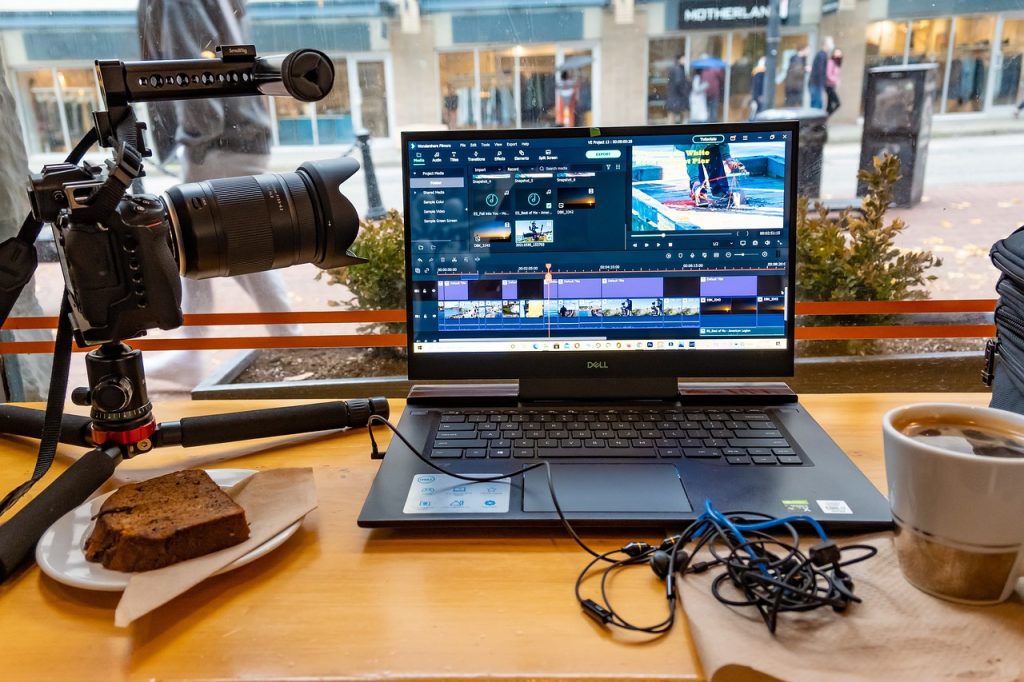
Mastering video editing requires a combination of technical skills and creativity. With the right software and an understanding of storytelling, color grading, and sound design, anyone can create professional-quality videos. By focusing on the details and continuously improving your skills, you’ll be able to produce content that resonates with your audience and stands out in a crowded digital space.
Whether you’re just starting or looking to refine your skills, there’s always more to learn in the world of video editing. Keep experimenting with new techniques, stay inspired, and most importantly, have fun with the process!



Leave a Reply